Guide A5 Independent notes
How to collect new media art: editions, documentation and preservation
A painting hangs on a wall. A new media artwork is a set of files, devices, instructions and permissions that must keep working. Collecting it means looking after all of that.
What do you actually buy?
Before you buy new media art, be clear about what is being transferred. It might be a physical object such as a monitor sculpture, a licence to show a work in an agreed way, a numbered edition of a video file, or access to software that the artist keeps maintaining. Often it is several of these together.
Ask in writing what you receive, whether you may copy or migrate the files, who owns the source material and what you may and may not do when you lend or show the work. A token or certificate alone is not the work. In many cases a digital token records ownership but not the files, so check where the files are kept.
Editions, certificates and contracts
Galleries commonly sell time-based works in editions, with a limited number of copies and a certificate. The certificate and the artist's instructions are part of the artwork, not paperwork to lose in a drawer. They state the edition, the display conditions and sometimes the rules for repair.
Reputable galleries, artist studios and art fairs can explain provenance. Keep every email, invoice and installation note, and agree who pays for future migration of the files before you buy.
Documentation is part of the work
Good documentation lets someone install the work correctly in ten years. Ask for display specifications such as the aspect ratio, brightness, sound level and screen type. Ask for a list of hardware and software, and for installation photographs and a short statement from the artist about what may change.
Museums use the concept of variable media: asking the artist which properties of a work are essential and which can change when the equipment is replaced. The Variable Media Network, a collaboration between the Guggenheim and the Daniel Langlois Foundation in the early 2000s, helped to establish this approach.
Digital art conservation: migration and emulation
Two strategies dominate digital art conservation. Migration moves the work to a newer format or machine. Emulation recreates an old environment on current hardware so that the original software still runs. Each has costs, and conservators often combine them with documentation.
Time-based media conservation is a recognised specialism at museums, with programmes at institutions such as the Smithsonian American Art Museum and the Tate. If you collect seriously, consider a consultation with a conservator when you acquire a complicated work.
How to preserve digital art at home
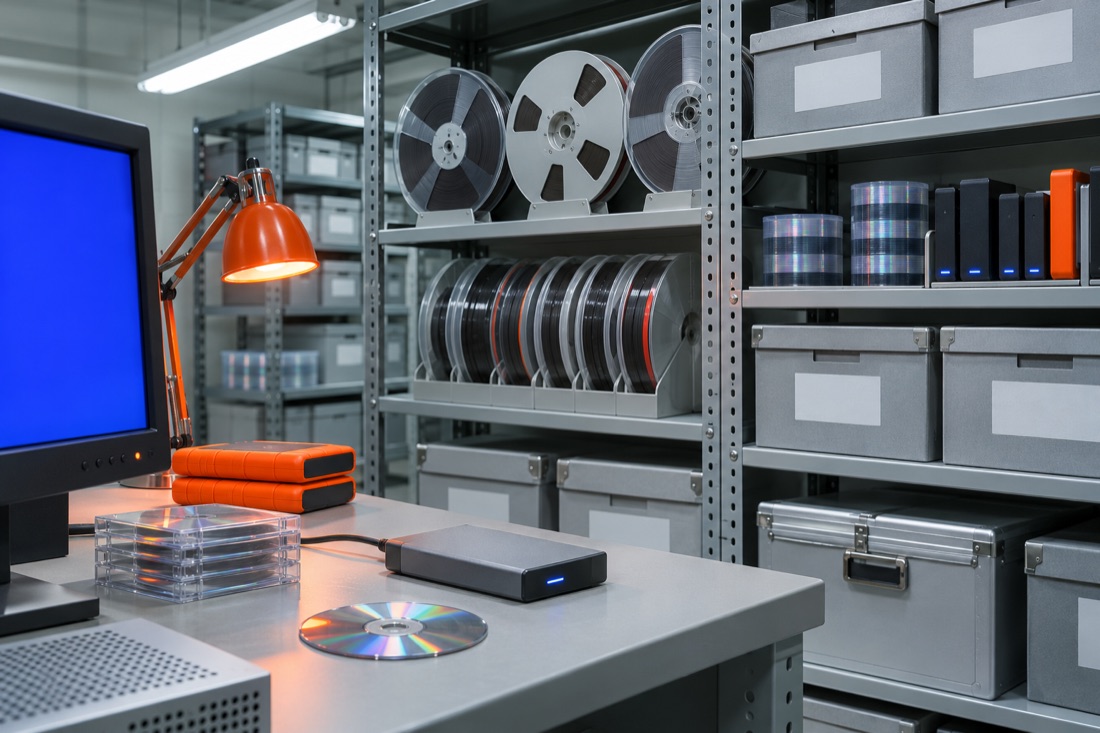
The basic rule from digital preservation is to keep several copies: three copies, on two kinds of storage, one stored elsewhere. Check the files regularly and make sure you can still open them. Prefer well documented formats over exotic ones, and keep the original files with a plain text readme.
Write down passwords and licences securely. Label cables and adapters. Store spare parts, such as a second player, if the work depends on a particular device.
Before you start
Look at what museums do. Read about the museums that collect media art, and learn the history of the net art and video art that you may be buying into. Buy slowly. Independent collectors have the same duty of care as institutions, with fewer resources.